Trainer
Grounded Trainer: What It Does and How to Use It
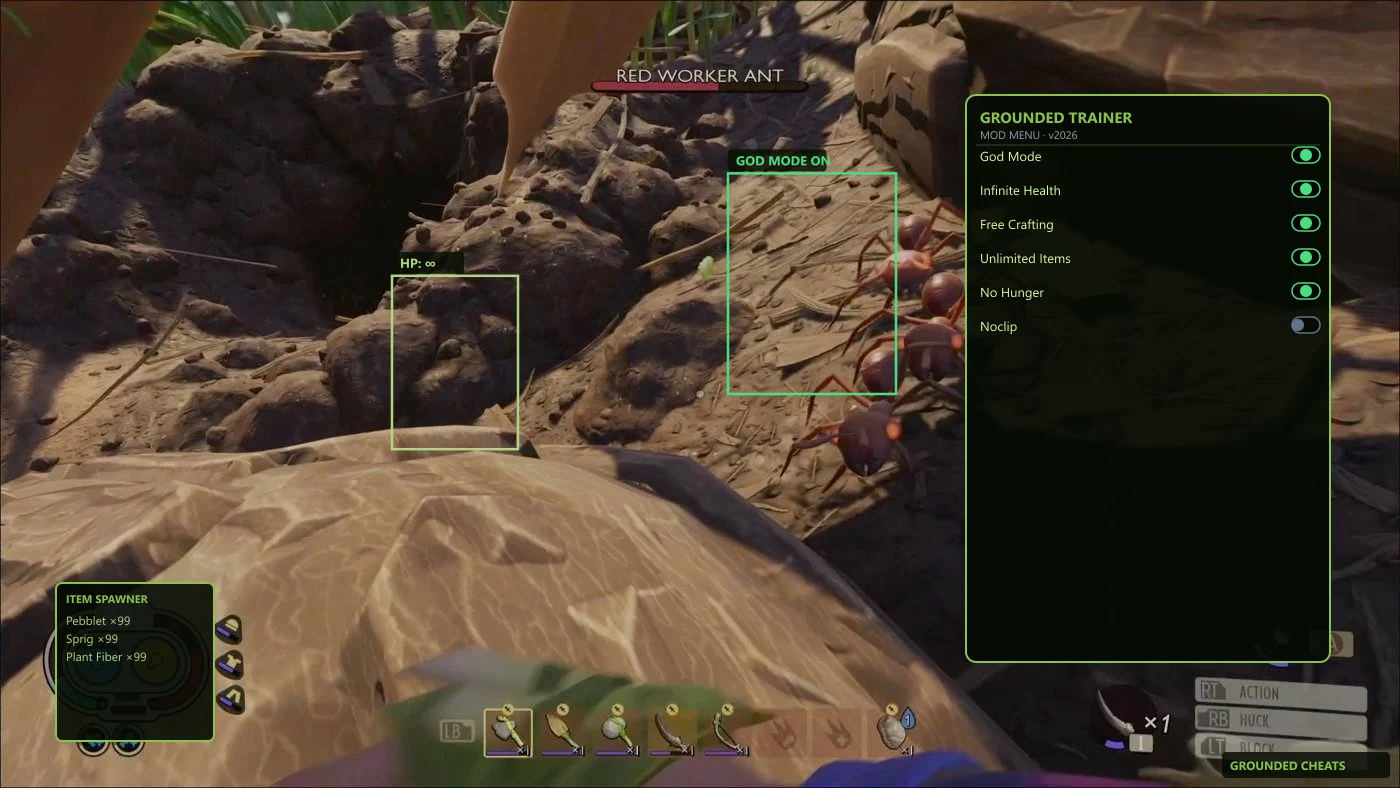
A grounded trainer lets you tune survival stats without grinding every spider fight. If you play on PC and want faster base builds or calmer exploration, this guide walks through what trainers offer and where to get a maintained one.
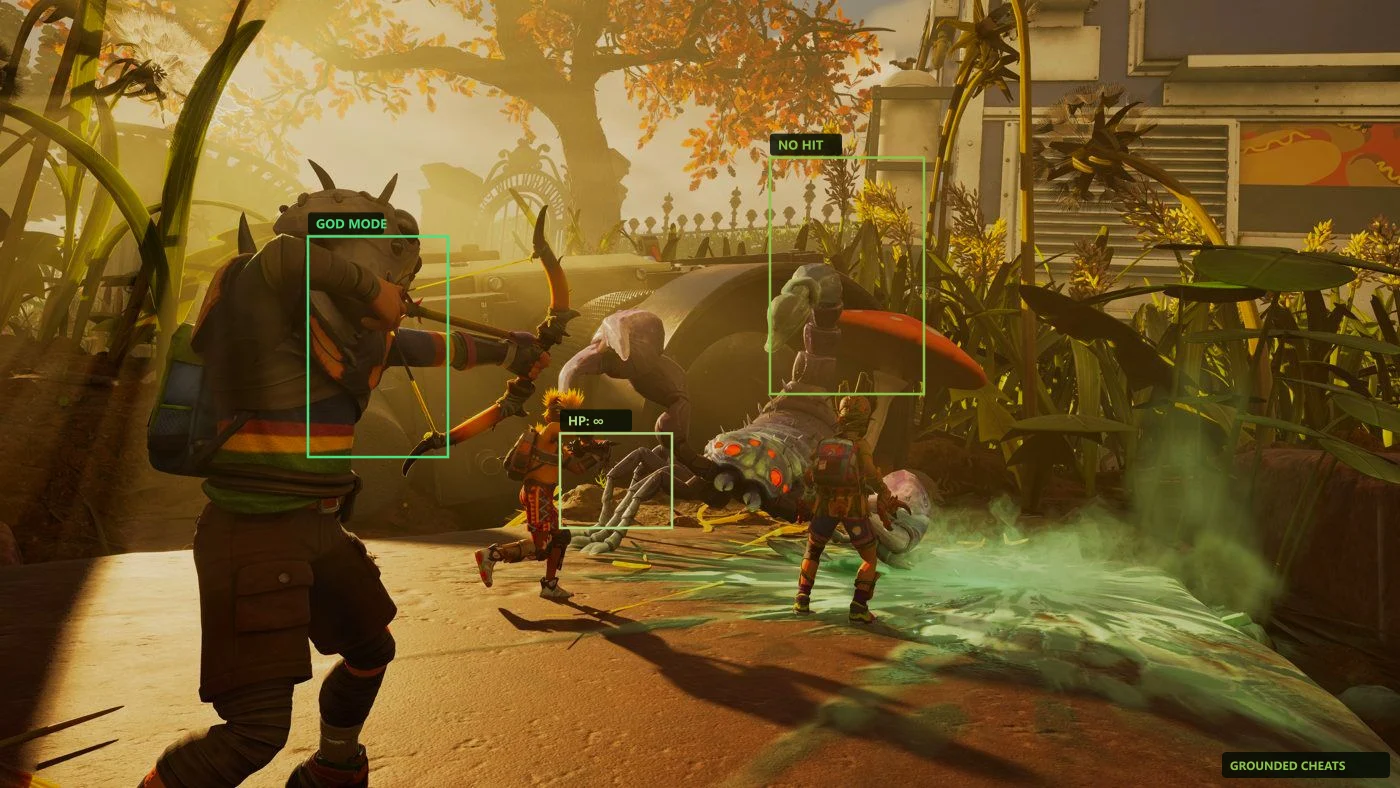
What a grounded trainer actually changes
Trainers hook into Grounded on Windows and expose toggles for health, hunger, stamina, damage, and crafting. You are not editing save files by hand — you flip options mid-session while your character stays in the yard.
Good trainers group features clearly: survival buffs on one tab, combat on another, movement on a third. That matters when a wolf spider rushes your grass plank wall and you only need one or two cheats active.
Our grounded trainer page lists what ships with the license. Pair it with features so you know which toggles match your play style.
Trainer vs free downloads from random forums
Forum trainers often stop working after Obsidian patches. They also bundle adware or outdated offsets. A maintained package rebuilds after updates and posts status on updates.
If you tried a free file and it crashed on launch, check Game Pass vs Steam paths. Trainers must match your client. Read trainer download steps before you blame the game.
Steam and Game Pass both run on PC, but install folders differ. Point the loader at the right exe and run it as administrator once.
Settings that feel natural in co-op
Host-only tweaks keep multiplayer fair. Turn on infinite stamina for long build sessions, not one-hit kills that erase insect threat for everyone.
Start with god mode off and test stamina or crafting first. You keep tension while skipping the fifth trip for sprigs. See god mode and free crafting for focused guides.
Before a big patch, skim status and the official Grounded notes. Trainers and game builds move together.